
 Brijesh Desai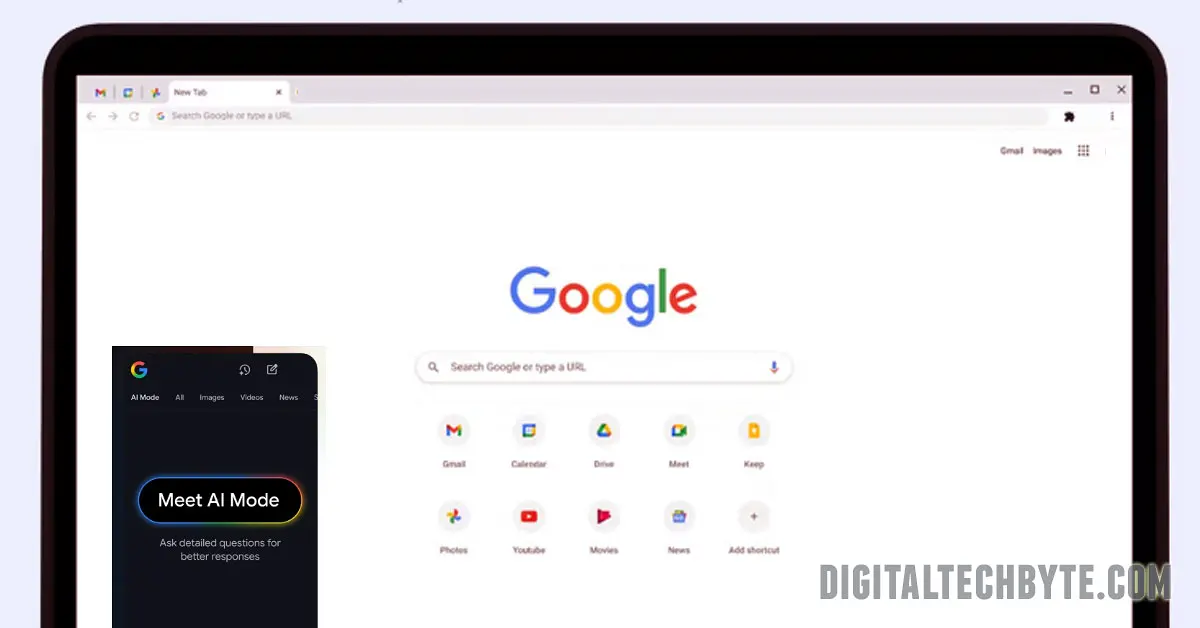
Chrome 148 launches AI-powered auto-fill for credit cards/addresses (with consent), Android enhanced form recognition, Google Wallet gov ID support. Gemini chatbot hits 49 Asia-Pacific countries.
Chrome 148 dropped May 5, 2026 with fully upgraded AI auto-fill—smart completion for credit cards, addresses, and government IDs from Google Wallet, plus Android’s enhanced form recognition that learns your filling patterns. Address bar AI mode now handles complex questions with follow-up prompts; Gemini chatbot expands to 49 Asia-Pacific countries.
Chrome 148 AI Auto-Fill Breakdown
Desktop AI Mode:
- Credit Cards/Addresses: AI suggests fills after explicit consent
- Address Bar Queries: Complex questions → aggregated answers
- Follow-up Prompts: “Clarify this” → deeper responses
Android Enhanced Auto-Fill:
- Form Learning: Remembers how you fill similar fields
- Gov IDs: Driver’s license, passport, national ID auto-fill
- Wallet Integration: Known Traveler Numbers, Redress Control Numbers
Gemini Expansion: 49 new Asia-Pacific countries (India included).
How the New AI Auto-Fill Works
Consent Flow:
1. Form detects credit card/address fields

2. Chrome prompts: "Use AI to fill? [Allow/Deny]"

3. AI matches saved data → one-click populate

4. Optional: "Always allow for this site"
Android Smart Forms:
- Learns “Name → First/Last”, “Phone → Mobile field”
- Handles dynamic forms, dropdown predictions
- Privacy: Approximate location option for checkout
Technical Features for Devs
Prompt API (developer.chrome.com):
// New on-device AI access

const response = await promptAI({

text: "Extract invoice data",

image: canvas,

constraints: { jsonSchema: invoiceFormat }

});
Enhanced Autofill:
- Japanese furigana names supported
- HTTP/3 acceleration
- 40+ security fixes
Update Instructions
Windows/Mac/Linux:
chrome://settings/help → Check for updatesAndroid: Play Store → Chrome → Update
iOS: App Store auto-updates
Version: 148.0.6960.97+ (May 5, 2026)
Competitive Edge vs Safari/Edge