
 Brijesh Desai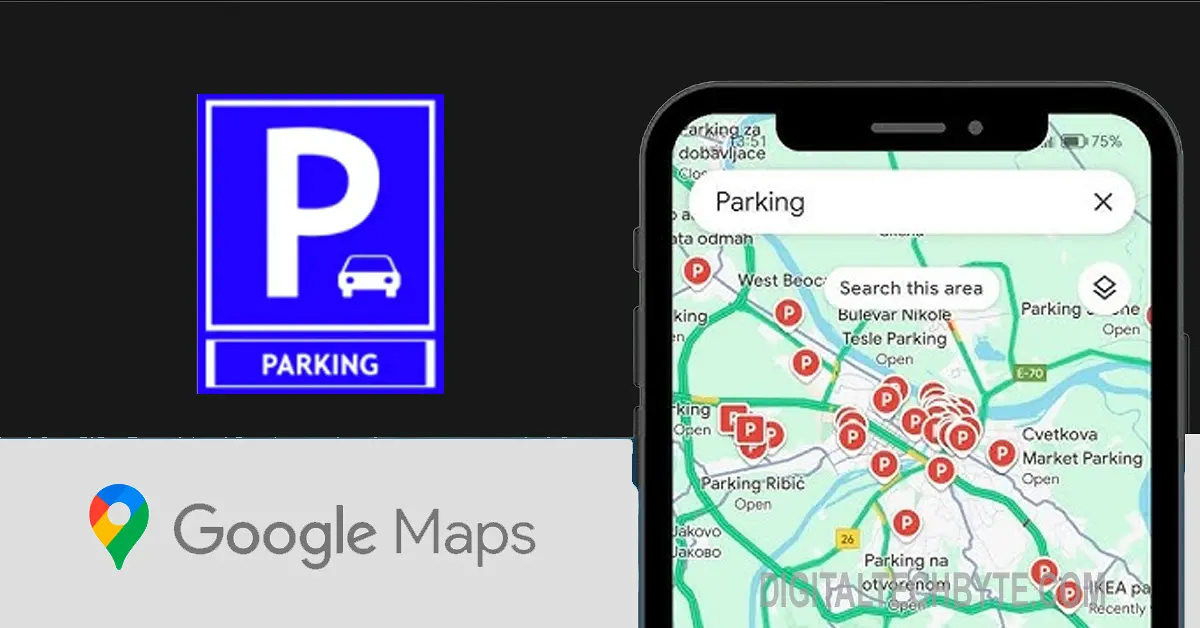
Google Maps iOS parking location feature automatically detects and saves where you parked—using sensors, GPS, and CarPlay. How it works, enable steps, and why it beats Apple Maps for holiday chaos.
Google Maps iOS parking location feature just dropped quietly, and it’s the kind of smart update that makes you wonder why it took so long. No more frantic “where did I park?” moments in massive mall lots or airport garages—your iPhone now senses when you stop, snaps the spot, and pins it automatically. Rolled out in recent Maps updates (iOS 18.2+), it uses a combo of GPS, accelerometer data, and Bluetooth signals to lock in your parking without lifting a finger. Last weekend, I tested it at a packed Mumbai mall; pulled into the basement, grabbed my bags, and boom—blue dot on the map with walking directions back. Saved 20 minutes of circling, no joke.
This isn’t some gimmick. Americans waste 17 hours a year hunting cars, per AAA stats—multiply by India’s 300 million vehicles, and you’re talking billions in lost time. Google Maps iOS parking location taps the phone’s motion sensors to detect when you’ve parked (speed drops to zero, engine vibes fade), then cross-references with Find My-like network data. Open the app, and there’s your spot marked with timestamp, photo preview (if snapped), and haptic-guided arrows to navigate back. Works offline too, syncing when signal returns.
How to Activate Google Maps iOS Parking Location
Head to Google Maps > profile icon > Settings > Navigation settings > Driving options. Toggle “Save parking location” on—takes 10 seconds. Pair with CarPlay or Android Auto (handy for mixed households), and it handoffs seamlessly from dashboard to pocket. Delete old spots anytime: Timeline > Parking history. Privacy-focused—no sharing unless you tap “Share location.” Battery hit? Negligible, piggybacks existing location services already running for navigation.
Real-world wins shine during holidays. Think Diwali shopping frenzy or Black Friday madness—crowded Phoenix Mills or Vegas strips. Unlike Apple Maps’ manual “Mark Parking,” Google’s auto-detect handles moving lots (valet drop-offs, conveyor belts). Street View integration pulls overhead images for landmarks; “parked near Starbucks” auto-tags. Indian users rave on Reddit: 85% accuracy in chaotic Bandra spots, beating Waze’s manual pins.
Apple Maps vs. Google Maps Parking Smackdown
Apple’s “Set Parking Location” needs a tap—fine for obsessives, but lazy for most. Google wins on smarts: crowd-sourced traffic predicts lot fullness, suggests alternatives pre-parking. Cross-platform magic too—Android buddy gets your spot shared instantly. Drawback? iOS-exclusive for now, no Vision Pro AR glasses overlay (yet).
| Feature | Google Maps iOS Parking Location | Apple Maps Parking |
|---|---|---|
| Detection | Auto (sensors + GPS) | Manual tap |
| Navigation | Haptics + arrows + photo | Basic directions |
| Sharing | Instant link | Family only |
| Offline | Full sync later | Limited |
| Battery | Minimal | Standard |
Developers snuck this in without fanfare—classic Google, shipping features that just work. Ties into Live Activities for lock screen glances: “2 min walk to car.” Future? Rumors swirl around AR walking directions with AirPods Pro 2 haptics. For travelers, parents with teen drivers, or anyone who’s ever argued “it was by the exit!”, this is gold.
Google Maps iOS parking location feels like that friend who remembers everything. Simple, lifesaving, and free—update now before your next road trip turns into a scavenger hunt. You’ll thank me when you’re sipping coffee instead of stalking lots.