
 Brijesh Desai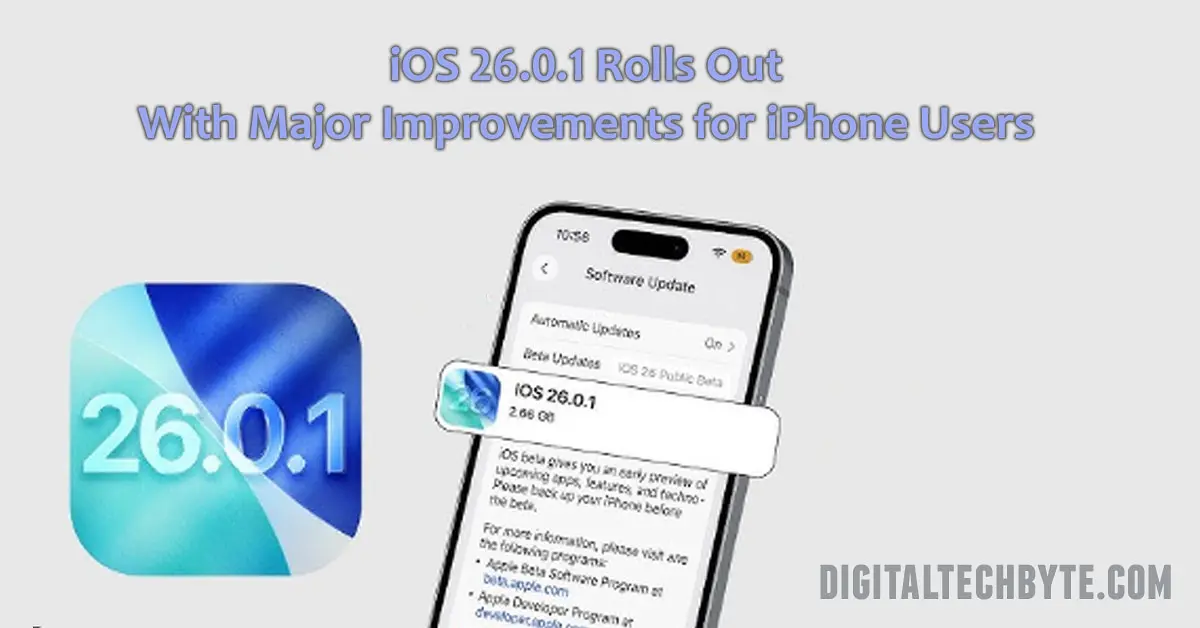
Apple launches iOS 26.0.1 with urgent fixes for Wi-Fi, Bluetooth, camera artifacts, and accessibility bugs on iPhone 17, Pro, and Air. Learn what’s new, why it matters, and how to update your device today.
Apple has just rolled out iOS 26.0.1—a rapid-fire update that’s less about headline-grabbing features and more about fixing what people actually care about: making their iPhones work the way they’re supposed to. If you’ve just grabbed an iPhone 17, iPhone Air, or iPhone 17 Pro, you’ll want to hit that update button right away. Here’s exactly what’s been addressed, why it matters, and how to get your device running smoothly again.
iOS 26.0.1: Swift Action on Day-One Bugs
Barely two weeks after iOS 26’s debut, Apple has pushed iOS 26.0.1 to fix a raft of problems that early adopters flagged almost immediately. While the initial release was full of promise—Liquid Glass design, enhanced Apple Intelligence, richer parental controls—the bugs snuck in fast, especially for folks lucky enough to score the latest iPhone models.
What’s Fixed in iOS 26.0.1?
Apple’s official notes and user reports highlight several key fixes:
- Connectivity headaches are gone. No more random Wi-Fi and Bluetooth dropouts on iPhone 17, iPhone Air, and iPhone 17 Pro.
- That frustrating issue with cellular service vanishing after the iOS 26 update? Patched. Now, staying connected should be seamless again.
- Camera improvements: If you noticed odd artifacts in photos shot under tricky lighting, especially on brand-new phones, those images should look crisp again.
- Customization bug squashed. App icons no longer go mysteriously blank when you tinker with tints or try to tailor the Home Screen to your taste.
- Accessibility restored: VoiceOver won’t randomly disable, so visually impaired users can rely on their devices again.
From network stability to camera reliability, this update shows Apple is listening—and acting quickly—to the real-world experience of millions of users.
How to Download iOS 26.0.1
Getting the update is about as simple as ever:
- Open the Settings app.
- Tap General, then Software Update.
- You should see iOS 26.0.1 ready for download. Just tap Download and Install. Your phone will take care of the rest.
If you prefer a manual approach, like using IPSW files via iTunes or Finder, Apple’s support site offers direct downloads for power users.
Why This Matters for iPhone Owners
With each big release, it’s almost tradition for bugs to surface—sometimes the kind you notice only after millions dive in. Apple’s fast response with 26.0.1 sets a new tone of agility, especially considering the scale of this year’s iPhone 17 launch. Yes, there’s always anticipation of what’s next (cue rumors about 26.0.2), but for now, early adopters can breathe a little easier knowing their devices are back in top shape.