
 Brijesh Desai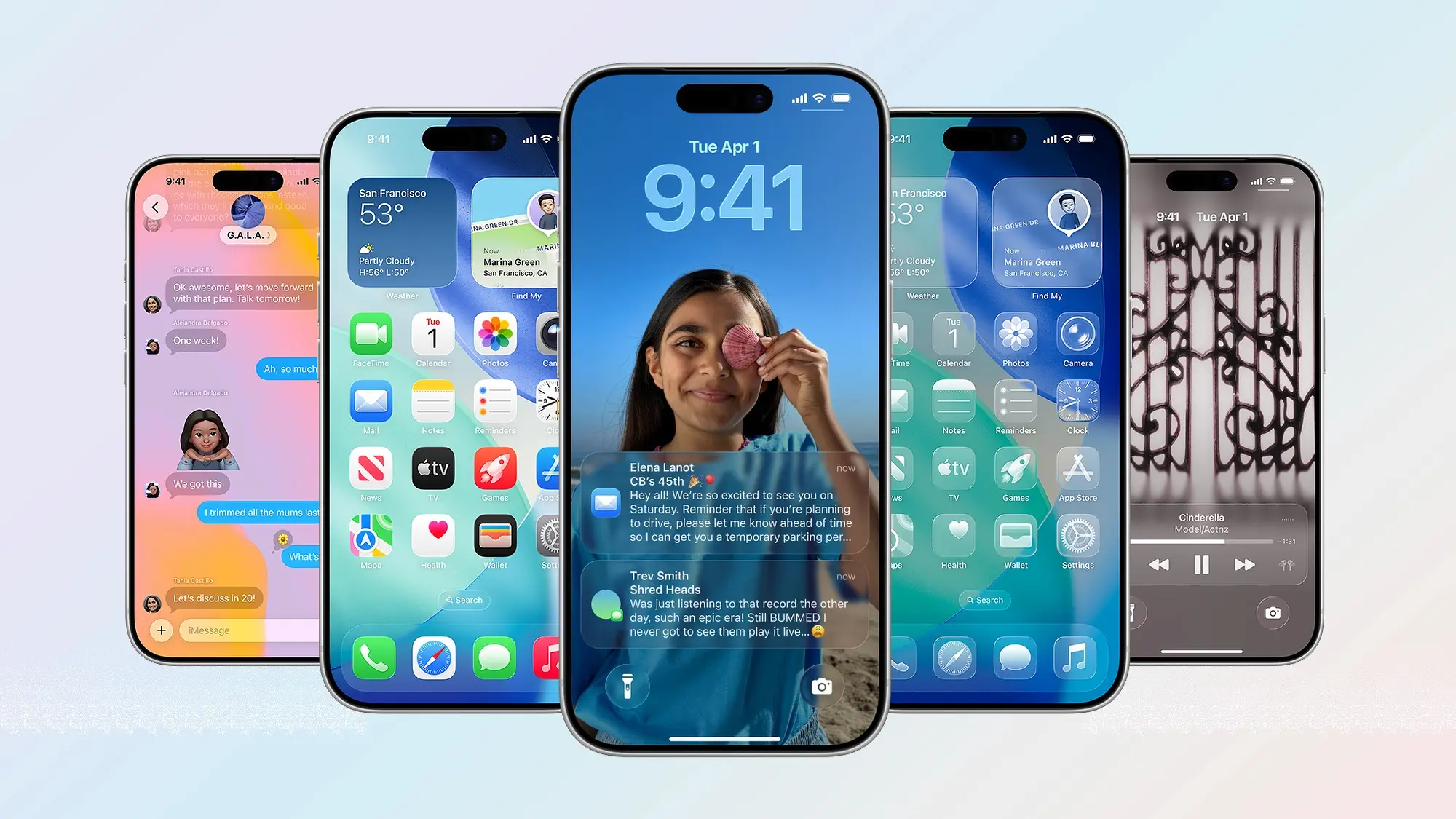
OS 27 notifications will slide in from the left instead of the top. Learn about the new swipe gestures, Notification Center changes, and what this means for your iPhone.
iOS 27 notifications are changing in a way that’ll make long-time iPhone users do a double-take. According to Bloomberg’s Mark Gurman, notifications will now slide in from the left side of your screen instead of dropping down from the top—the same position Apple has used for nearly two decades. This isn’t just a cosmetic tweak; it’s part of a broader redesign of how you interact with your iPhone.
What’s Actually Changing
The shift is simple but significant:
This means your thumb will need to adjust its muscle memory. For right-handed users, the left-side animation might feel more natural since your thumb crosses the screen anyway. Left-handed users might actually prefer it less.
The New “Search or Ask” Feature
Here’s where it gets interesting. Swiping down on the Dynamic Island no longer opens Notification Center. Instead, you’ll get a new “Search or Ask” interface tied to Apple’s revamped Siri. This change likely ties into Apple Intelligence, which means it might only work on iPhone 15 Pro and newer models.
Think about what this means: Siri is getting a dedicated gesture shortcut, separate from your notifications. It suggests Apple is pushing AI features harder in iOS 27, making Siri faster to access than ever before.
Why Apple Is Making This Change
Apple doesn’t mess with established gestures lightly. The left-side notification slide likely serves two purposes:
-
Reducing accidental triggers: Swiping from the top center has always been prone to mistakes, especially on larger screens. The left-edge gesture is more deliberate.
-
Making room for AI: By separating Notification Center from the Dynamic Island, Apple creates a dedicated Siri shortcut. This aligns with their broader push toward Apple Intelligence and on-device AI features.
-
Improving one-handed use: Left-side animations might feel more accessible for users holding their phone with one hand, particularly on Pro Max models.
Will This Roll Out to All iPhones?
Probably not immediately. The “Search or Ask” interface likely requires Apple Intelligence hardware—meaning iPhone 15 Pro, iPhone 15 Pro Max, and potentially iPhone 16 series devices. Older iPhones might get the left-side notification animation but not the new Siri gesture.
This follows Apple’s pattern of gating advanced AI features behind newer hardware, similar to how Apple Intelligence launched only on A17 Pro and M-series chips.
What This Means for Your Daily Use
If you’re beta testing iOS 27 (when it arrives), expect to:
- Miss the first few notifications while your brain adjusts to the new animation direction
- Swipe too far right when trying to open Notification Center, since you’re used to swiping from the top center
- Discover the new Siri shortcut by accident when swiping down on Dynamic Island
- Appreciate less accidental triggers once you get used to the left-edge gesture
For power users who rely heavily on notifications, this change might feel jarring at first. But if you’ve ever accidentally pulled down Notification Center while trying to access Control Center or just swipe the screen, you might actually prefer the new system.
How to Access Notification Center in iOS 27
Once you’re on iOS 27:
- Go to any screen (home screen, app, lock screen)
- Swipe down from the top-left corner (not the center, not the right side)
- Scroll up to see older notifications
It’s a smaller target, but with practice, it becomes muscle memory. Think of it like the iOS 11 change when Apple moved Control Center to the bottom-right corner—it felt weird at first, then became second nature.
When to Expect iOS 27
Apple typically announces new iOS versions at WWDC in June, with public beta releases the same month and general availability in September. Since today is June 6, 2026, we’re likely just days or weeks away from the official iOS 27 announcement.
The notification change is just one of many iOS 27 features reportedly in the works, including revamped Siri, better Apple Intelligence integration, and possible UI refinements.
Quick Summary
iOS 27 is moving notifications from the top of your screen to the left edge—a major gesture change after nearly 20 years of the same behavior. You’ll also need to swipe from the top-left corner for Notification Center, while swiping down on Dynamic Island now opens a new Siri-focused “Search or Ask” interface. This likely requires iPhone 15 Pro or newer due to Apple Intelligence hardware requirements. It’s a bold move that prioritizes AI accessibility over tradition, and while it’ll feel weird at first, it might actually reduce accidental triggers once you adjust.