
 Brijesh Desai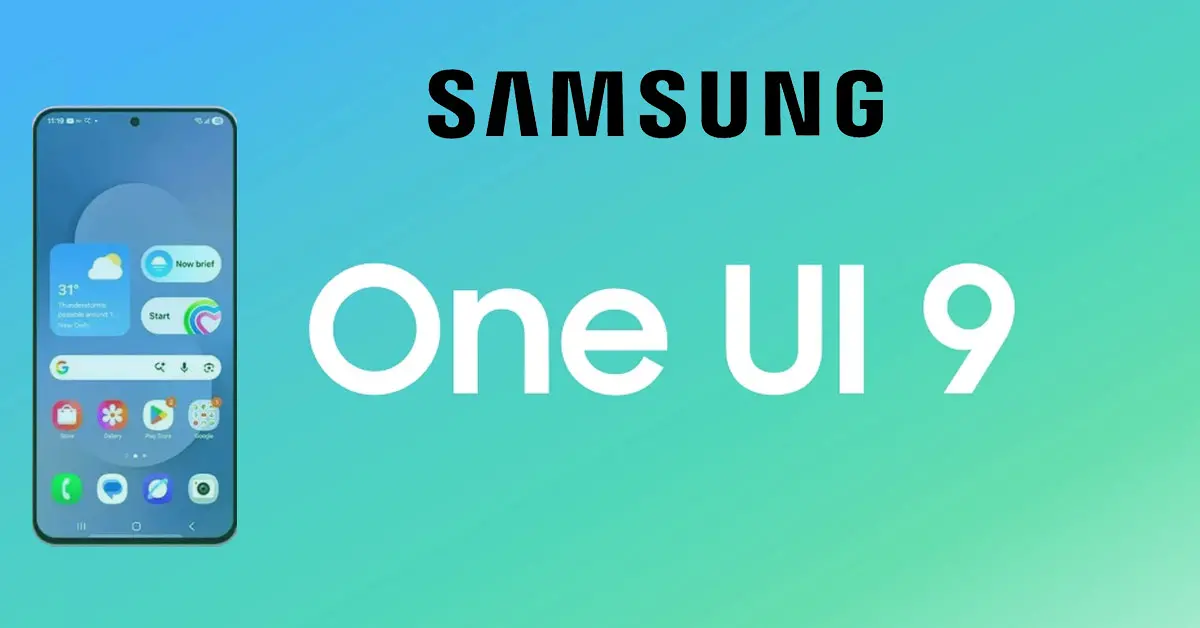
Samsung’s One UI 9 lets discover what’s new —smarter Quick Panel, Galaxy AI upgrades, enhanced Notes, and stronger security. Learn what’s changed in this Android 17 update.
Samsung’s One UI 9 Is Finally Here: What’s Changed and Why It Matters
If you’ve been waiting for Samsung’s next big software leap, the good news is that One UI 9 has officially arrived—and it’s more than just a cosmetic refresh. Built on top of Android 17, this update brings a mix of practical refinements, smarter AI tools, and quality-of-life tweaks that make your Galaxy device feel more intuitive, secure, and personalized than ever before.
Smarter Quick Panel and Control Center
The Quick Panel has always been a highlight of One UI, but One UI 9 takes it further. The brightness and volume sliders are now thicker, more responsive, and independently adjustable, giving you finer control without accidental taps. Media controls also get a dedicated space, making it easier to switch tracks or adjust playback without digging into notifications. These might sound like small changes, but they add up to a noticeably smoother daily experience.
Enhanced Samsung Notes and Creative Tools
For students, professionals, and digital artists, the Samsung Notes app gets some welcome upgrades. New decorative tapes, additional pen line styles, and improved handwriting-to-text conversion make the app feel more like a true digital notebook. The Creative Studio features, previously a standalone app, are now integrated directly into Contacts, allowing you to design custom profile cards without switching apps. These changes reflect Samsung’s push toward deeper creativity and personalization within its native apps.
Stronger Security and Privacy Protections
One UI 9 introduces more aggressive safeguards against suspicious apps. When the system detects a high-risk app, it doesn’t just warn you—it actively blocks installation or execution and recommends immediate removal. This is part of a broader push to tighten app permissions, improve background process management, and give users clearer visibility into what their apps are doing. It’s a timely move, especially as AI-powered apps and third-party tools become more common.
Accessibility and Usability Improvements
Samsung has also made meaningful strides in accessibility. The Text Spotlight feature now lets you expand selected text into a larger area or floating window, improving readability for users with visual impairments. Mouse Key speed controls have been added for smoother cursor navigation, and Google’s and Samsung’s TalkBack features have been unified for a more consistent experience across Galaxy devices. These updates show that Samsung isn’t just chasing flashy features—it’s building for real-world usability.
Galaxy AI Gets Smarter
One UI 9 marks a significant step forward for Galaxy AI. While many AI features already existed in One UI 8, this version expands them with better context awareness, smarter summarization, and deeper integration across apps like Notes, Messages, and the browser. Expect improvements in:
- Real-time translation and transcription
- AI-powered photo editing and object removal
- Smart replies and message drafting
- Enhanced voice commands and Bixby integration
New Bixby Widget and Settings Overhaul
A dedicated Bixby widget now appears on the home screen, offering quick access to voice commands, keyboard input, and daily suggestions. Meanwhile, the Settings menu has been reorganized for better discoverability, with new sections for Warranty & Care that show the status of all devices linked to your Samsung account. These changes streamline navigation and make it easier to manage your ecosystem of devices.
Performance and Battery Optimizations
Early hands-on reports suggest that One UI 9 feels faster, smoother, and more stable than its predecessors. Animations are snappier, multitasking is more efficient, and battery life remains consistent, with some users reporting slight improvements due to better background process management. While not a revolutionary leap, these refinements are exactly what long-term users want—less friction, more reliability.
Availability and Rollout
One UI 9 is already available in preview or beta form for the Galaxy S26 Ultra, with stable builds rolling out to the S25 Ultra, S24 Ultra, and Z Fold 7 shortly. The update is expected to expand to more devices through the rest of 2026, with new Galaxy AI features likely to debut alongside the Galaxy Z Flip 8 and Z Fold 8 later this year.
What This Means for You
If you’re a Galaxy user, One UI 9 is one of those updates that feels like a natural evolution rather than a forced reinvention. It keeps what works—clean design, powerful customization, and deep app integration—while adding just enough polish and intelligence to make your daily interactions feel smoother. Whether you’re a productivity-focused professional, a creative enthusiast, or someone who just wants their phone to work better, this update delivers.